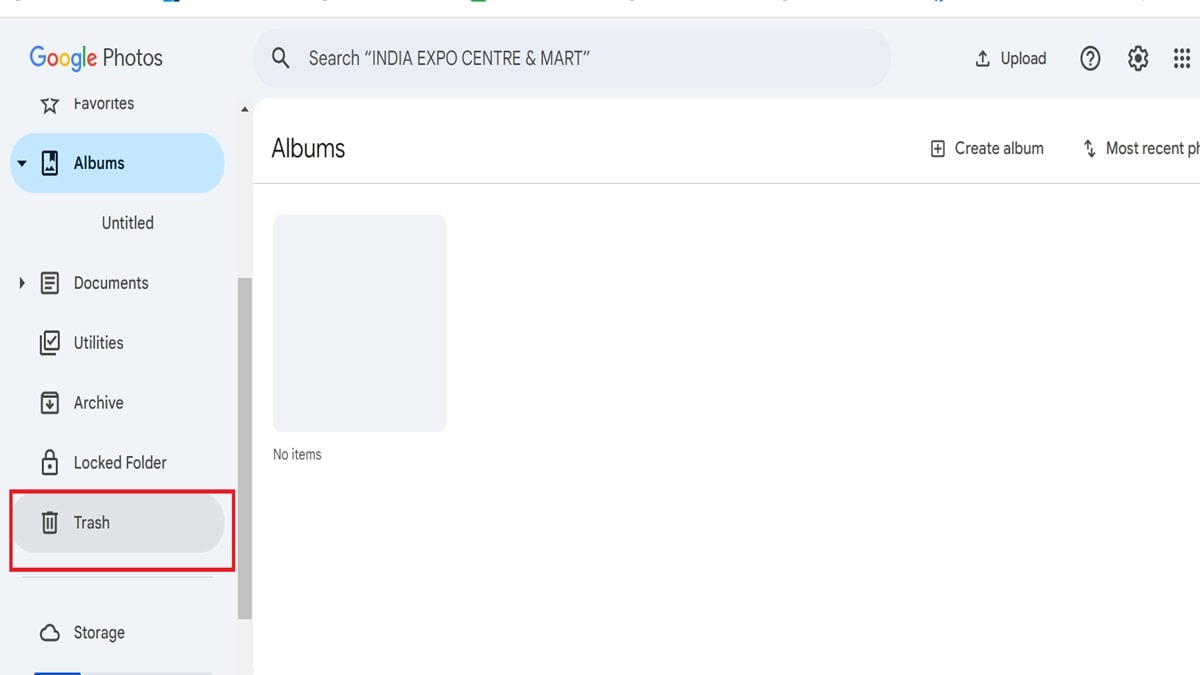

Google provides 15GB of free storage to all normal users. If you use Google Photos and the storage is completely full then you will have to buy more storage. If you do not want to buy storage, then we are telling you another method, through which you will be able to easily use Google tools. Yes, you can delete extra photos and videos present in the existing storage.First of all, Google sends you a warning when the storage is full and if you ignore it, you will not be able to save additional photos and videos and you will even stop receiving emails. Today we are telling you how to free up space in Google Photos by deleting existing videos and photos.
How to free up Google Photos storage
First of all go to this link and go to Google Photo app in mobile:
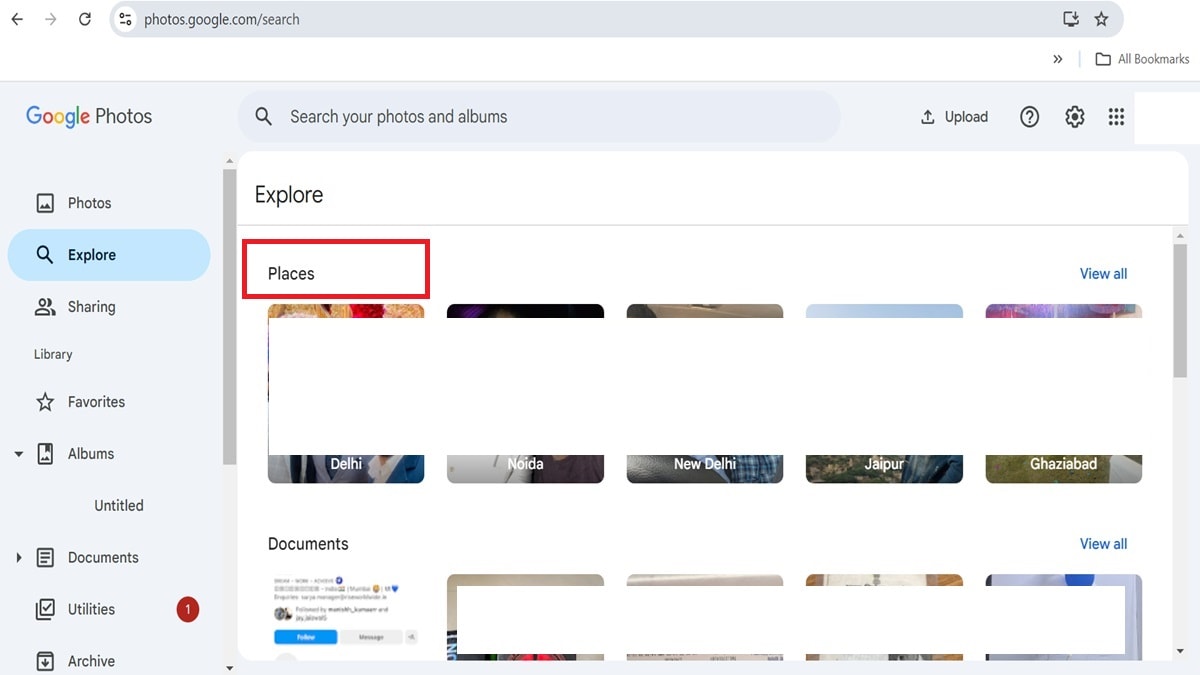
To free up space in Google Photos, first of all you have to go to https://photos.google.com/search/_tra_.
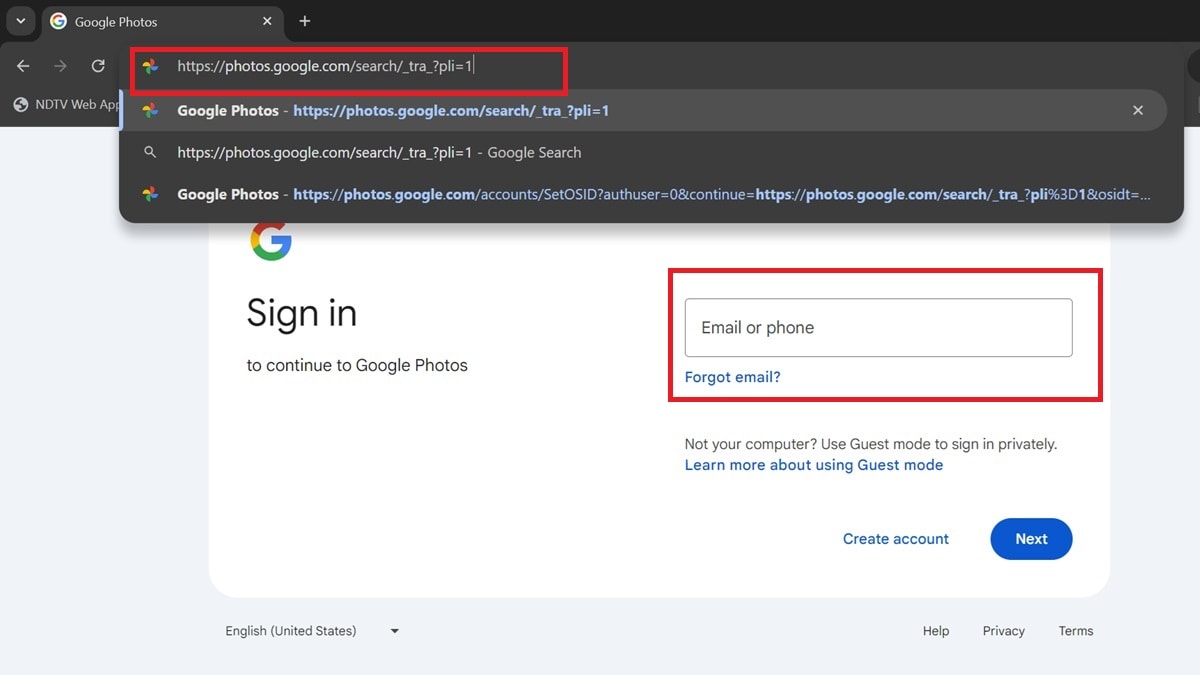
Log in by entering ID password
After coming here, you have to login by entering your Gmail account ID and password.
You can check like this
You will then be able to see all your photos and videos uploaded to Google Photos from the upload date.
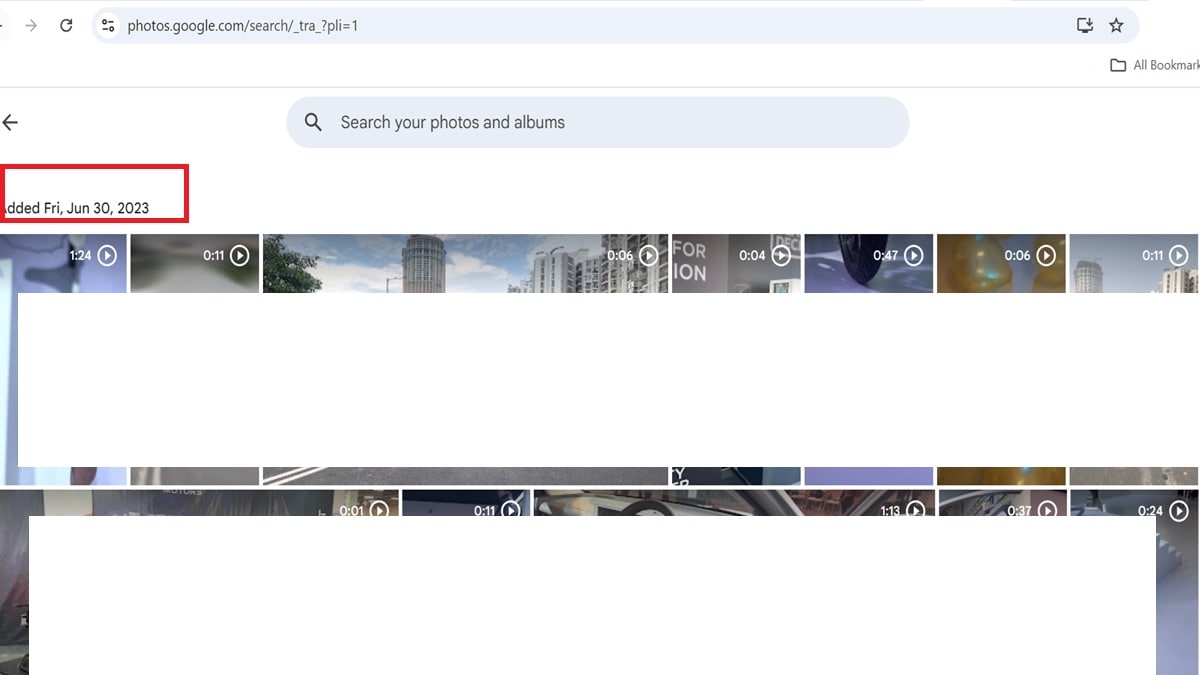
Can delete 500 photos simultaneously
Now you have to select the photos which you want to delete. Now you can delete maximum 500 photos at a time.
Delete everything by going to the trash icon
After deleting the selected photo, you have to tap on the trash icon. This will free up space in your Gmail account.